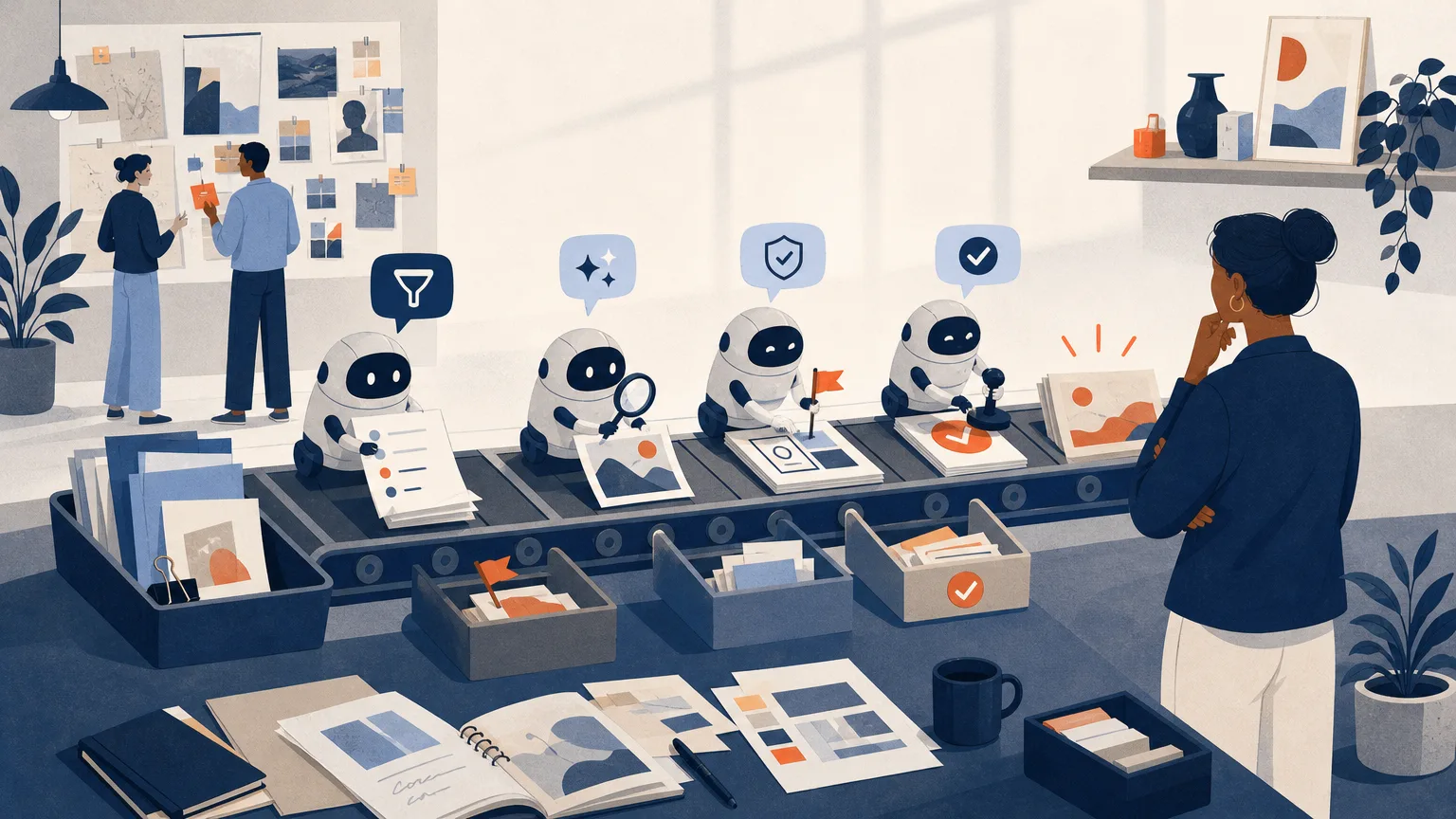
Set up Grok Bot with least access, then build bots that keep briefs, references, feedback and brand checks current. The bots gather, prepare and flag. You still approve, clear and release.
What you will be able to do
- Know when Grok Bot is the right tool: Decide whether a piece of standing creative work suits Grok Bot. Explain how it differs from Custom Agents in the Grok chat app and from bots built on the Grok API.
- Set it up with the least access that works: Choose an eligible plan and connect only the apps a job needs, such as Slack, Google Drive and the Figma plugin. Turn off app tools you don't need, and set Ask-first rules for anything sent, exported, overwritten, published or bought. Set local execution to Never allow and keep cards out of Vault.
- Write a bot's remit like a job description: Give each bot one job, its sources, a list of what it may do without asking, what it must always ask about and what it must never do, plus what to do when data is missing.
- Build four bots for your recurring creative work: A brief-update bot that stops unapproved requests, a scheduled reference bot that keeps a register of origin, purpose and usage status, a feedback bot that ties comments to asset versions, and a brand-review Team Bot in Slack.
- Share bots without exposing client work: Use Team Bots and Slack while keeping client files, logins and unreleased work out of reach. Know whose accounts and usage a shared bot draws on.
- Review what your bots actually did: Check run history, evidence and drafts against the live sources. Then use what you find to tighten instructions, permissions and routines.
Taught at learn.c-o-u-r-s-e-s.com: lessons that adapt to your level, an AI tutor you can ask anything, quizzes and flashcards, and a certificate when you finish.