Set up Grok Bot safely, then build four bots for standing matter work and put them on tested routines. Each one cites its sources, and a named attorney reviews every result before it is used.
What you will be able to do
- Decide whether Grok Bot fits the work: Tell Grok Bot apart from Custom Agents in Grok chat and from bots built on the Grok API. Check that your plan includes it and that your firm and client have approved the vendor before you connect any matter system.
- Set up an account that's safe for legal work: Use firm accounts only and turn off send, delete and signature tools you don't need. Turn Auto-review on with Ask-first rules, set local execution to Never allow, keep cards out of Vault and turn notifications on.
- Write instructions a matter bot can follow: Give each bot one job, its permitted sources, approval limits, citation rules and stop conditions. Have it treat document and email content as data rather than instructions, and keep allegations, facts and open questions apart.
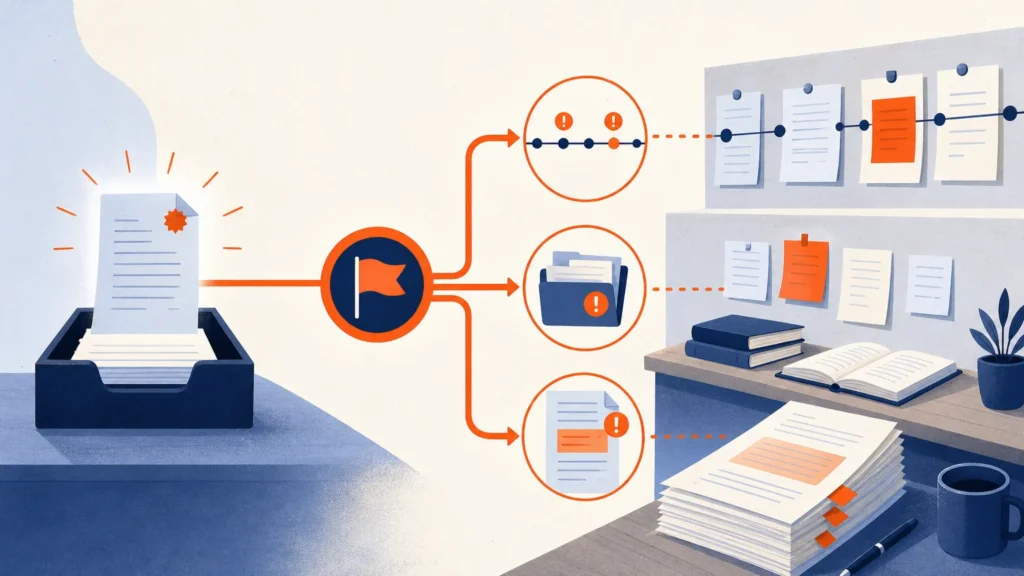
- Build and schedule four matter bots: Build a document-inventory bot, a source-linked chronology bot, a meeting prep and writeback bot, and a research-outline bot that verifies its citations. Save each process as a skill, schedule it, and test it on safe sample inputs before you rely on it.
- Share an intake Team Bot with your team: Attach only non-privileged files, assign Collaborator or Manager roles, and bring the bot into Slack if your team uses it. Its rule is that counsel answers substantive questions.
- Review what the bots did: Read work logs, run history and approval cards, and re-open cited sources. Trace a late document through the chronology, notes and draft. Pause and fix a misbehaving routine, then clean up the workspace.
Taught at learn.c-o-u-r-s-e-s.com: lessons that adapt to your level, an AI tutor you can ask anything, quizzes and flashcards, and a certificate when you finish.