A hands-on course for creative leads. Set up Muse with the least access that works, then run brief, reference, feedback and review-timeline tasks with tested prompts. Nothing gets sent without you.
What you will be able to do
- Decide if Muse fits your studio: Look at where Muse is offered, its Free, Power and Maximum plans as of October 2026, the fact that each account belongs to one person, and the incidents reported since launch. Then write a short decision about which of your tasks are in scope. You'll also learn which official pages to recheck, because prices and availability change.
- Set up a separate account with safe-start settings: Create a Muse account kept apart from your other Meta accounts. Turn off training under Data controls and set connectors and web access to Always ask. Answer approval cards with Allow once or Deny, keep each client project in its own side chat, and review what Muse has saved in Memory.
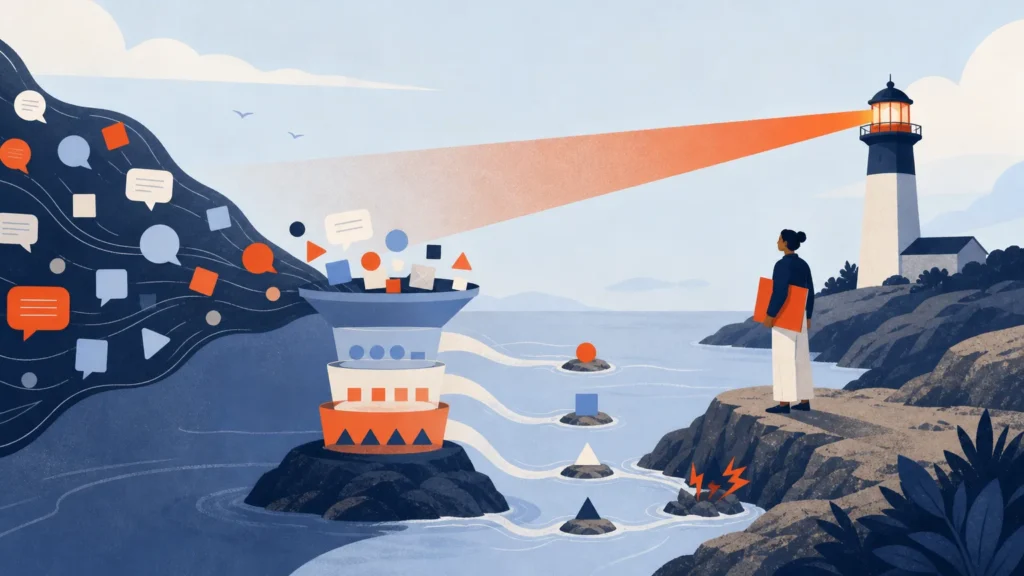
- Connect only what a task needs: Add Slack, Dropbox, Box, Canva, Figma or Gmail one at a time, read-only where that's offered. Ask each connector what it can do before you add it. Be able to explain why embargoed campaigns, client-confidential files, licensed brand assets, likeness releases and payment cards stay out.
- Question briefs and build reference lists you can trust: Use copy-paste prompts to have Muse find gaps and assumptions in a brief and turn your answers into a versioned one-page brief. Then build a sourced reference list where each reference has a job and any unclear rights are marked [CHECK].
- Turn scattered feedback into one change list: Have Muse read your Slack channels and email threads and produce a change list with duplicates merged. Each change is tied to an asset version and to the person who asked. Conflicting or unapproved requests come back to you as decisions.
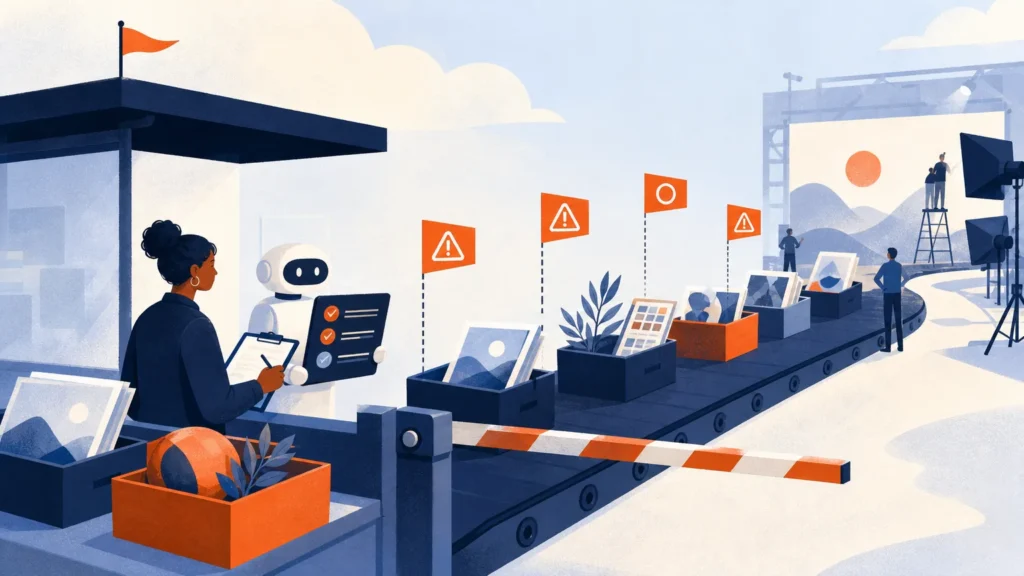
- Schedule review timelines and check Muse's work each week: Set up recurring review reminders and proposed calendar holds that wait for your approval. Once a week, go through the Activity log, Upcoming, Allowed websites, connectors and Memory, and correct or stop anything that doesn't match what you intended.
Taught at learn.c-o-u-r-s-e-s.com: lessons that adapt to your level, an AI tutor you can ask anything, quizzes and flashcards, and a certificate when you finish.